Erweiterungen
Content Installer
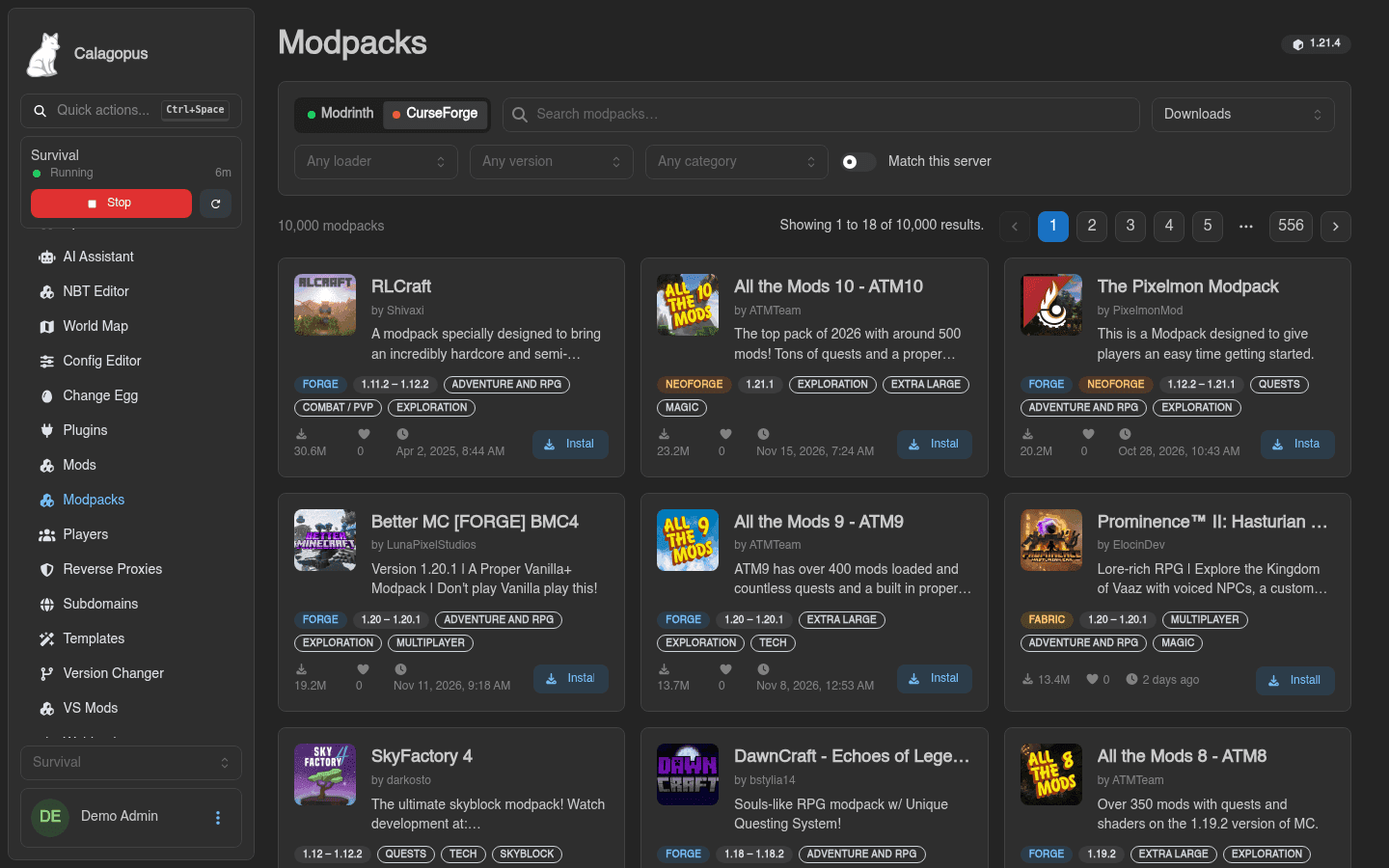
von RegraveCalagopus Panel extension for installing Minecraft plugins, mods, and datapacks from Modrinth
Kostenlos23 Sterne
Calagopus Panel extension for switching Minecraft server versions with admin dashboard and install tracking
Calagopus Panel extension for switching Minecraft server versions with admin dashboard and install tracking
MC Version Chooser A Calagopus Panel extension that lets users switch Minecraft server versions directly from the panel UI. Screenshots Type Selection Browse all available server types with category filters. Auto-detects your current server type. Version Selection Pick a Minecraft version with Java requirement indicators and a snapshot toggle. Install Modal Select a specific build, toggle clean install, and accept the EULA before installing. Admin Configuration Configure the MCJars API URL and default category filter from the admin panel. Features User-Facing • Browse all server types from the MCJars API (Paper, Purpur, Fabric, Forge, etc.) • Category filters: All, Recommended, Servers, Modded, Proxies • Auto-detects current server type from egg name and startup command • Version grid with snapshot toggle and Java version indicators • Build selector with changelogs and download sizes • Clean install option (wipes all files before installing) • Zip-based installs for modded servers (Forge, NeoForge) • Real-time download progress tracking • Automatically stops the server before installing a new version • Writes .mcvc-type.json marker file on install — used by other extensions (like the Content Installer) to reliably detect the current server type without guessing from egg names or leftover files Admin Panel • Extension configuration page with customizable MCJars API URL • Installation statistics with doughnut charts (type distribution, success/failure rates) • Summary cards: total installs, success rate, clean installs, unique servers • Recent installations table with server, type, version, and status • Configurable default category filter Architecture Backend API Routes Client (per-server) • POST /api/client/servers/{uuid}/mc-version-chooser/install - Install a server version • GET /api/client/servers/{uuid}/mc-version-chooser/install/status - Check download progress Admin • GET /api/admin/mc-version-chooser/stats - Installation statistics • GET /api/admin/mc-version-chooser/settings - Get extension settings • POST /api/admin/mc-version-chooser/settings - Update extension settings • GET /api/admin/mc-version-chooser/installs - Recent installation log Security • All client routes require files.create permission • Admin routes are protected by admin authentication middleware • Download URLs are validated against a whitelist of trusted domains (mcjars.app, papermc.io, mojang.com, etc.) • All file operations go through the Wings API (no direct server access) Installation 1. Download the latest .c7s.zip from Releases 2. Upload it to your panel's extensions directory 3. Trigger a panel rebuild 4. The mcvcinstalls table will be created automatically on startup License MIT
Kostenlos & Open Source – Installation direkt aus dem Repository
Erweiterungen
Calagopus Panel extension for installing Minecraft plugins, mods, and datapacks from Modrinth

Erweiterungen
Calagopus Panel extension for visually editing Minecraft server.properties
Erweiterungen
A Calagopus panel extension that allows users to manage Minecraft server players.
Erweiterungen
Minecraft player listing for Calagopus
Erweiterungen
Calagopus extension: manage players of Minecraft Java and Bedrock servers (online players, whitelist, operators, bans).
Erweiterungen
Let the user easily change server properties from the UI