ErweiterungenKostenlos
Menu Music
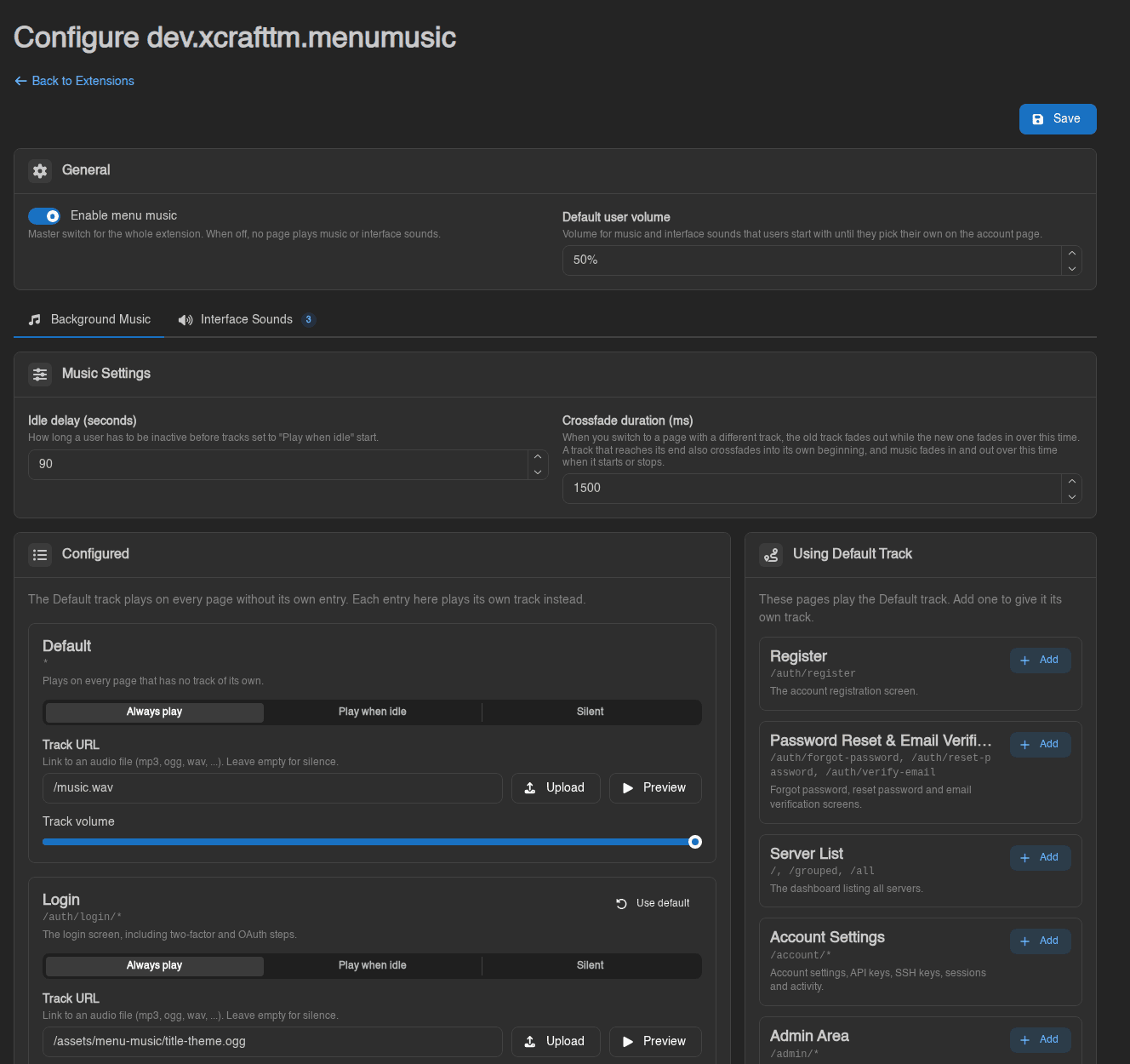
von XCraftTMPlays Music based on the Page the Person is on, can be configured in extension admin settings.
Noch keine Bewertungen
A Calagopus Panel Extension that lets Servers be displayed as Kanban Boards like in Trello.
A Calagopus Panel Extension that lets Servers be displayed as Kanban Boards like in Trello.
Kanban Servers for Calagopus A Calagopus Panel extension that turns the Grouped Servers page into a Trello-style Kanban board. Each server group becomes a list, each server becomes a card, and you organize them by dragging. Features • Lists and cards like Trello. Server groups are lists side by side, servers are cards inside them. • Drag and drop. Move cards between lists, reorder cards inside a list, and drag a list by its header to reorder lists. Everything is saved to your account immediately. • Compact cards that keep the details. The top row shows the power state, CPU, memory and disk as small chips. Each usage chip fills up as the server gets close to its limit and turns yellow or red, and hovering it shows the exact usage and limit. Below are the name, description, address (click to copy), egg, and a badge for servers owned by another user. • Ungrouped list. An optional first list holds your servers that are not in any group yet. Drag them into a list, or drop a card here to take it out of its list. • Card actions. Right-click a card or use its … button to start, restart, stop or kill it, move it to another list, also add it to another list, or remove it from the list. • List actions. Click a list title to rename it. The list menu adds servers, selects all cards, collapses the list into a slim bar, gives it a color, powers every server in it, or deletes it. • List colors. Pick one of the presets or any custom color with the color picker. A colored list gets a colored top bar and a slight tint of its color in the background. • Add lists and servers inline. "Add another list" sits at the end of the board, and every list has an "Add a server" composer at the bottom. • Filter the board by name, description, egg, node or address, and show only running or offline servers. • Bulk power actions work like on the stock page: tick cards with their check button, or hold S and click them. • Stack lists (optional). When an admin allows it, drag a list onto another list to stack them on top of each other in one column. Drop it on the middle of a list to stack it above or below; drop it on a column's left or right edge, or between columns, to give it its own column again. A blue line shows where it lands. Stacked lists share the column height. • Switch back any time. The Board / List toggle next to the page title returns to the stock grouped view. The choice is saved per user. | Dragging a card | Card menu | | --- | --- | | | | Installation Requires Calagopus 1.2.3 or newer and a setup that can build extensions (the heavy Docker images or a development environment). 1. Download devxcrafttmkanbanservers.c7s.zip from the latest release. 2. Upload it in Admin → Extensions, or put it into ./build/extensions and run docker compose restart web. In a development environment use panel-rs extensions add devxcrafttmkanbanservers.c7s.zip and panel-rs extensions apply. 3. Open Servers → Grouped Servers. To update, replace the archive with the new one. Settings Admin → Extensions → Kanban Servers → Configure has two options for the whole panel: | Setting | Default | What it does | | --- | --- | --- | | Gap between cards | 8 px | Space between the cards of a list, from 0 to 32 pixels. A preview shows the spacing. | | Allow stacking lists | Off | Lets users stack lists on top of each other in one column. Each user arranges their own board. When it is turned off again, every list goes back to its own column; the stacking is remembered for when it is turned back on. | Reading the settings needs the extensions.read admin permission, saving needs extensions.manage. Every save is written to the admin activity log. FAQ Where is my data stored? The board uses the panel's own server groups, so lists, card order and list order are the same data the stock page uses. List colors (a preset name or a hex code), collapsed lists, the Ungrouped toggle and the Board/List choice are stored as your user settings. Can a server be in more than one list? Yes, like in the stock page. Use "Also add to list" in the card menu. Dragging a card always moves it. Why can't I drop a card into a list? The list already contains that server, or it is full (a group holds at most 100 servers). The list shows a notice while you hover it. Does it work with themes? Yes. It was tested with the qunix theme, which moves the page tabs into its own toolbar and hides the page header. In that case the board keeps the tabs where the theme put them and shows the Board/List toggle at the right end of its own toolbar. The theme's own list/grid and Customize buttons only affect the stock view. Does disabling the extension break anything? No. The page goes back to the stock grouped view, and your groups are untouched. --- Technical notes The board works on the panel's existing server group API (/api/client/servers/groups/...). The Rust part only stores the two admin settings (raw settings rows cardgap and allowliststacking, with defaults for missing or broken values) and serves them: | Route | Permission | Purpose | | --- | --- | --- | | GET /api/client/extensions/dev.xcrafttm.kanbanservers/config | signed in | settings for the board | | GET /api/admin/extensions/dev.xcrafttm.kanbanservers/settings | extensions.read | settings page | | PUT /api/admin/extensions/dev.xcrafttm.kanbanservers/settings | extensions.manage | save, validated, logged as settings:extensions:update | If the config can't be loaded, the board uses the defaults. How the board replaces the page index.tsx registers a props interceptor on pages.dashboard.home.containerGrouped. The interceptor replaces the container's children with KanbanSwitch and appends the Board/List toggle to contentRight. KanbanSwitch renders the board, or the original children when the user picked the list view. No core module is overridden, so disabling the extension restores the stock page. Themes can rearrange the page before this interceptor runs. If the incoming children no longer contain the stock DashboardHomeTitle (a theme moved the tabs elsewhere), the board doesn't render its own copy. If hideTitleComponent is set (the header and contentRight are hidden), the toggle is rendered inline instead. List width is measured, not hard-coded: ListWidthProbe renders the widest realistic chip row off-screen (longest status label, 999%, two 1023 MiB chips) and the lists become exactly wide enough for it, but at least 20rem. A ResizeObserver and document.fonts.ready re-measure when a theme's web font arrives late. Layout Stacked lists The group order stays one flat list (the core order). A per-user setting (dev.xcrafttm.kanbanservers::stacked) marks the lists that sit below the previous list in the same column, so buildColumns turns the order into columns. While stacking is allowed, lists use useDraggable/useDroppable instead of the sortable row, and a useDndMonitor listener hit-tests the pointer against the columns: the outer quarter of a column on either side means "new column here", the middle means "stack above or below the list under the pointer". On drop, applyListMove rebuilds the columns, the new order is saved with PUT /groups/order and the flags with the user setting. The drop indicators use negative margins that cancel the flex gap, so showing them doesn't shift the lists under the pointer. Board height useFillViewportHeight gives the board the height that reaches the bottom of the window, minus whatever still follows it on the page (the footer): it sets the height to the remaining window space, then takes back any vertical page overflow that creates. That keeps the horizontal scrollbar at the bottom of the screen. Each list column fills the board height, while the list itself grows with its cards up to that height. A ResizeObserver on and the resize event re-fit it when content above the board changes. Drag and drop The board uses the panel's DndBoard, DndSortableList and SortableItem elements (dnd-kit). While a c
Plays Music based on the Page the Person is on, can be configured in extension admin settings.
A Calagopus panel extension that allows users to manage Minecraft server players.
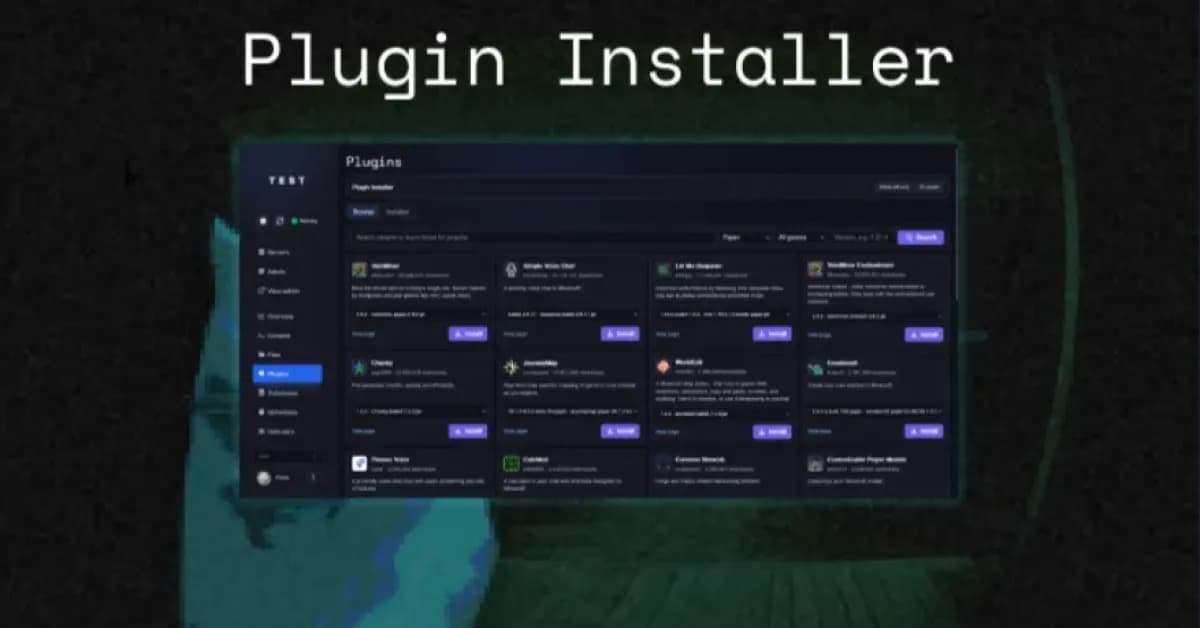
Calagopus Panel extension for installing Minecraft plugins, mods, and datapacks from Modrinth
Let the user easily change server properties from the UI
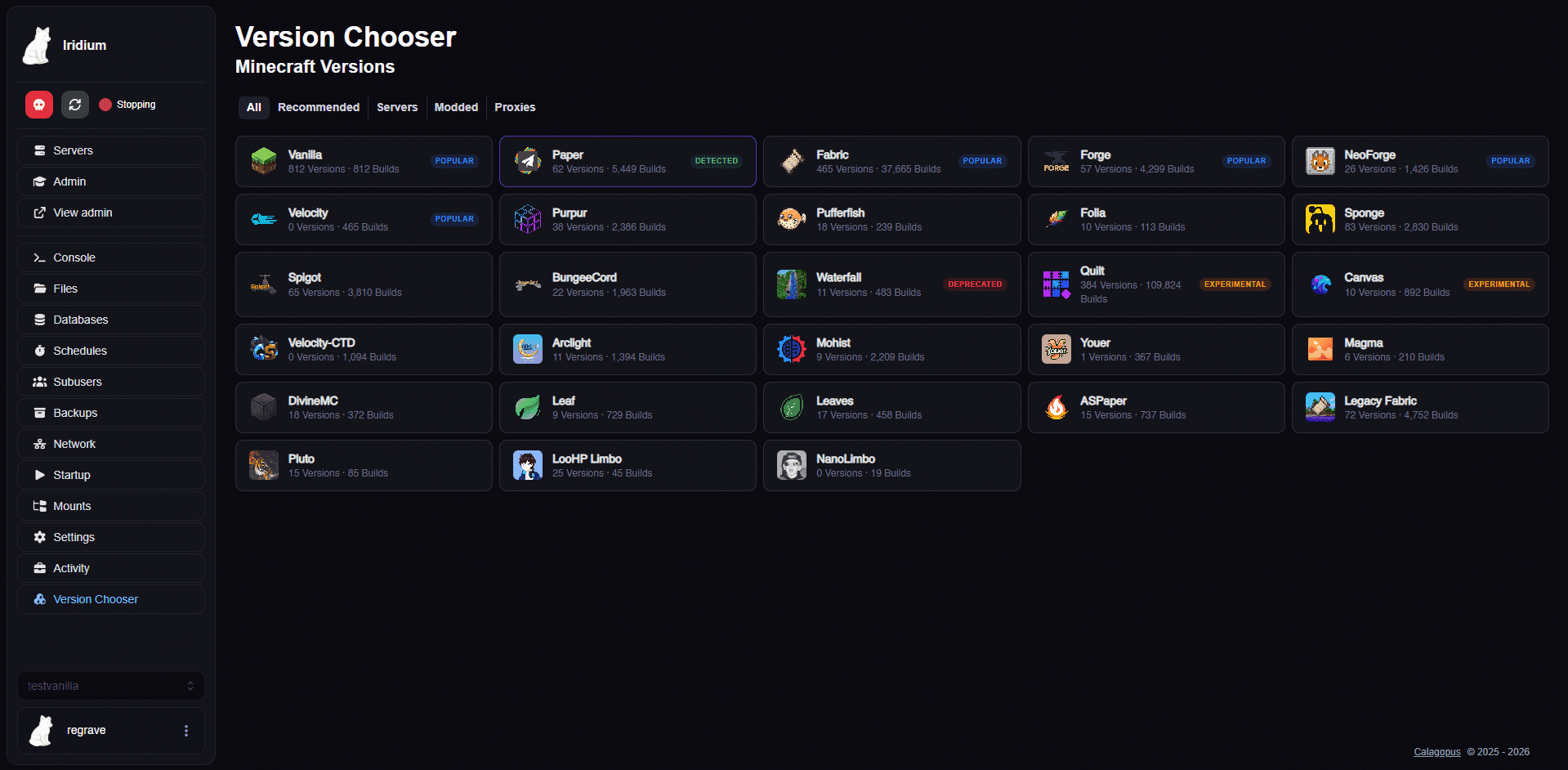
Calagopus Panel extension for switching Minecraft server versions with admin dashboard and install tracking
Calagopus extension: manage players of Minecraft Java and Bedrock servers (online players, whitelist, operators, bans).