ExtensionsFree
Player Manager
by CaloptreyxCalagopus extension: manage players of Minecraft Java and Bedrock servers (online players, whitelist, operators, bans).
No ratings yet
Calagopus panel extension: 2D Minecraft world map rendered from the server's region files, with player/mob/entity layers, player heatmap, chunk tools and teleport
Calagopus panel extension: 2D Minecraft world map rendered from the server's region files, with player/mob/entity layers, player heatmap, chunk tools and teleport
World Map A Calagopus Panel extension that adds a World Map page to Minecraft Java servers: a top-down map of the world, drawn from the server's own files, with players, mobs and entities, a player heatmap, chunk selection and deletion, and teleports. Package name: dev.caloptreyx.worldmap · Requires panel >=1.2.10 Features • 2D map of every world and dimension, block colours tinted by biome (grass, foliage, water) and shaded by slope, like a vanilla map item. Pan by dragging, zoom with the wheel, a pinch or a double-click, fullscreen. The map fills the screen below the page header. • World Overview panel: world select (every world found, the main one marked "(main)"), dimension switch, spawn coordinates and the version that last saved the selected world, the number of region files, jump to coordinates, and the world folder settings (gear button). • Player Selection panel: every player who has joined (skin head, name, online or offline), their last saved position, locate on the map, and for operators teleport to another player or to a spot picked on the map. Player markers show their name on hover or selection; online players have a green dot, offline players are greyed out. • Layers (toolbar): online players, offline players, spawn marker, player heatmap, mobs (spawn egg icons, grouped into one marker with a count per area, finer as you zoom in) and other entities (vehicles, items, armor stands...). The help button opens a legend. • Heatmap of where players spend their time, from position samples kept for a configurable number of days. • Chunk tools: select chunks (drag rectangles, Shift adds, a click toggles one chunk), copy their coordinates, and delete them while the server is stopped so they generate again. • Cursor readout with the block, chunk and region under the mouse; right-click to copy coordinates or teleport the selected player there. • Phones and tablets (map narrower than 900 px): the panels open as bottom sheets from two buttons, the layers fold into one menu, every control is at least 40 px. Tap the map for the position readout and its actions, pinch to zoom, and in chunk selection tap chunks to toggle them or press and hold, then drag, to add a rectangle. Screenshots World Map page: the overworld drawn from the region files, with the World Overview and Player Selection panels. Mobs and entities: grouped markers with a count per area once you zoom in. Admin settings: eggs, heatmap sampling and rendering limits. How the data is read No plugin or mod is needed. The backend reads the world through the panel's file access (Wings), exactly like the file manager: • Worlds: server.properties, bukkit.yml and the folders with a level.dat; see Worlds and dimensions. • Terrain: each region file (r...mca, 32 × 32 chunks) is read once and rendered on the panel into a 512 × 512 PNG (one pixel per block). The tile is stored in the panel database and served again until the region file's size or modification time changes, so unchanged regions are never downloaded twice. Only regions on screen are rendered, at most a few at a time panel-wide (setting), one region file in memory per render. When more than 64 regions are on screen, only cached ones are shown until you zoom in. • The Nether (and datapack dimensions with a ceiling) is drawn from a configurable height (default 100) down, below its bedrock roof. • Players: playerdata/.dat (players/data/ since 26.1) for the last saved position, usercache.json for names, the main world's player folder for everyone. Players are placed by Bukkit's WorldUUID with each world's uid.dat, else by their Dimension (Paper and Spigot name other worlds minecraft:), and only drawn on the world and dimension they are in. Skin heads come from mc-heads.net. • Mobs and entities: entities/r...mca (1.17+) for the regions on screen, once zoomed in to at most 3 × 3 regions. Icons come from mc.nerothe.com. • Heatmap: a background task samples every server whose map has been opened. While a server runs, the game saves each online player's file every 5 minutes (and on logout); each sample reads the player files saved since the previous sample and counts one visit for the chunk the player stood in. Counts are kept per chunk and day in the database for the retention period. • Online players: see Online and offline players. Colours src/data/blocks.tsv and src/data/biomes.tsv are generated by scripts/gencolors.py from the vanilla client jar (currently 26.3): a block's colour is the alpha-weighted average of the texture its model shows from above; grayscale textures the game tints are marked and get the biome's grass, foliage, dry foliage or water colour, which come from the biome definitions and the colormaps as the client computes them. Only the derived colours are committed, no textures. Blocks of other namespaces borrow the colour of the vanilla block their name ends with (mymod:redwoodplanks as planks), else gray. Regenerate with python3 scripts/gencolors.py [version]. Worlds and dimensions Where the map looks, every 30 seconds at most per server (a few dozen folder listings, a few at a time): 1. The main world is level-name from server.properties, read the way Java reads properties files (=, : or a space between key and value, \:, \uXXXX and other escapes, continued lines, the last of repeated keys). It may contain spaces and folders (worlds/survival); a missing file or key means world. With Bukkit's world container set, the main world is looked for in it first. 2. Its other dimensions: DIM-1 and DIM1 inside it (vanilla before 26.1), nether, theend and beside it (Paper and Spigot keep each dimension in its own world folder), and dimensions///region (26.1+, datapack and mod dimensions, the path up to three folders deep). When the same dimension exists twice (a server switched between Paper and vanilla), the copy whose level.dat was saved last wins. 3. Bukkit's world container: settings.world-container in bukkit.yml. 4. Other worlds: every folder with a level.dat up to two folders below the server root and the world container (Multiverse and similar). The map does not look into folders that cannot hold worlds (plugins, logs, cache, libraries, versions, config, mods, backups, crash-reports, map plugins' folders...) nor inside worlds, lists at most 64 folders while looking and shows at most 32 found worlds. 5. Folders added by hand: the gear button in the World Overview (permission world-map.manage-worlds) takes up to 16 folders relative to the server root, for layouts the search misses (deeper folders, a --world-container set on the command line, a world in backups/). Absolute paths and .. are refused; the panel's file access keeps every path inside the server's files anyway. Each folder shows whether a world was found in it. Datapack and mod dimensions are labelled by their id (namespace:path). They are drawn like the Overworld unless a datapack folder in the world's datapacks/ says their dimension type has a ceiling (hasceiling, or the minecraft:thenether / minecraft:overworldcaves types); zipped datapacks and mods are not read, so their dimensions are drawn like the Overworld. Teleports go through execute in run tp .... The main world's dimensions use their own ids; on Paper and Spigot every other world in the container is loaded as minecraft:. Worlds the server does not load (other worlds on a vanilla or modded server, worlds outside the container, names that are not valid keys) cannot be teleported into: the map hides the action there. Everything else follows the selected world: tiles and their cache (keyed by the region file), entities, the heatmap (samples are kept per world folder and dimension, as in 0.1.0), chunk deletion (only that world's region files), the spawn marker and "Go to spawn". When there is nothing to draw the page says why: no world generated yet, or level-name points to a folder that
Calagopus extension: manage players of Minecraft Java and Bedrock servers (online players, whitelist, operators, bans).

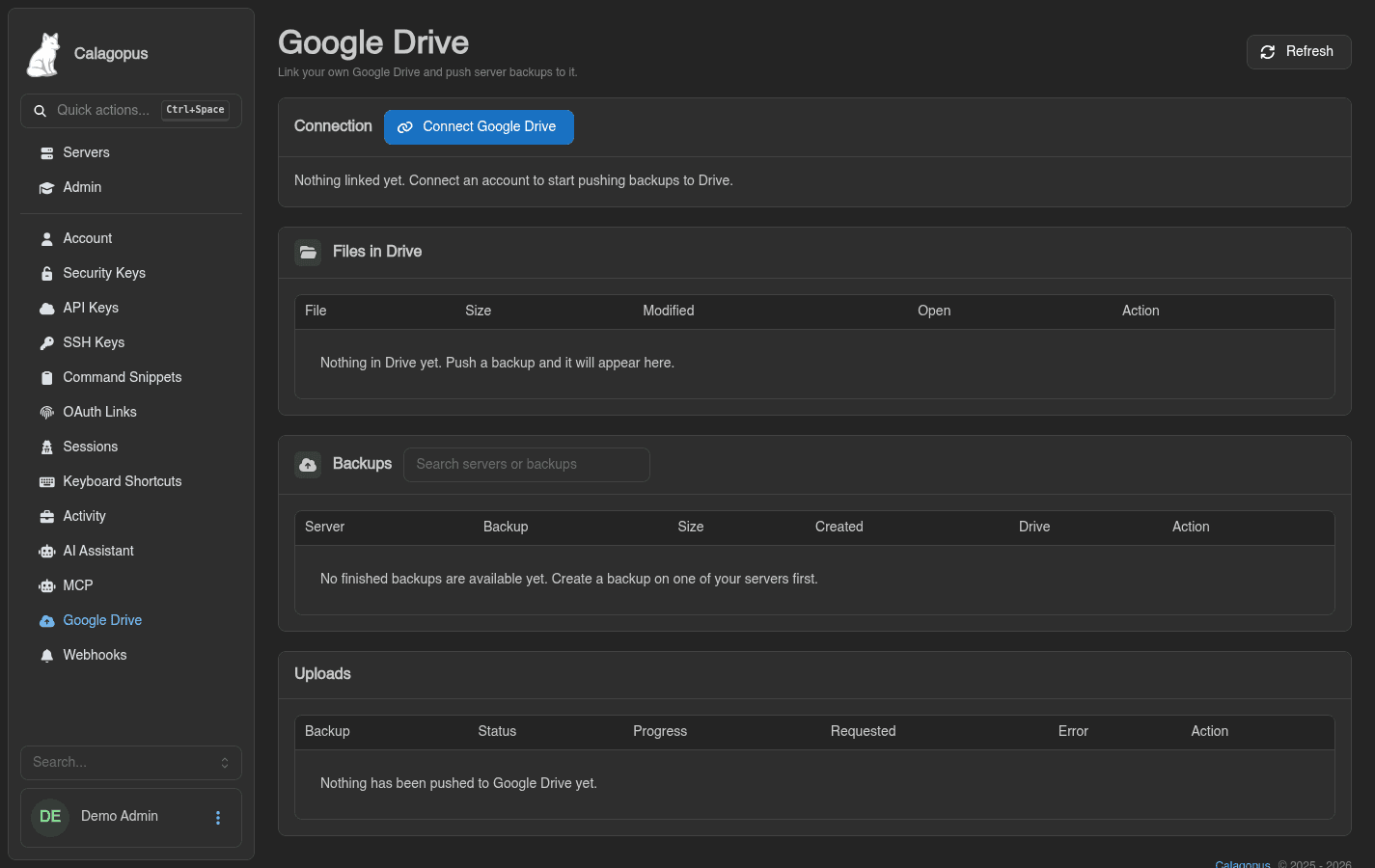
An extension for Calagopus that allows users to backup their servers to Google Drive