Description
Pick a single brand color and instantly generate a complete panel theme. Supports dark/light mode
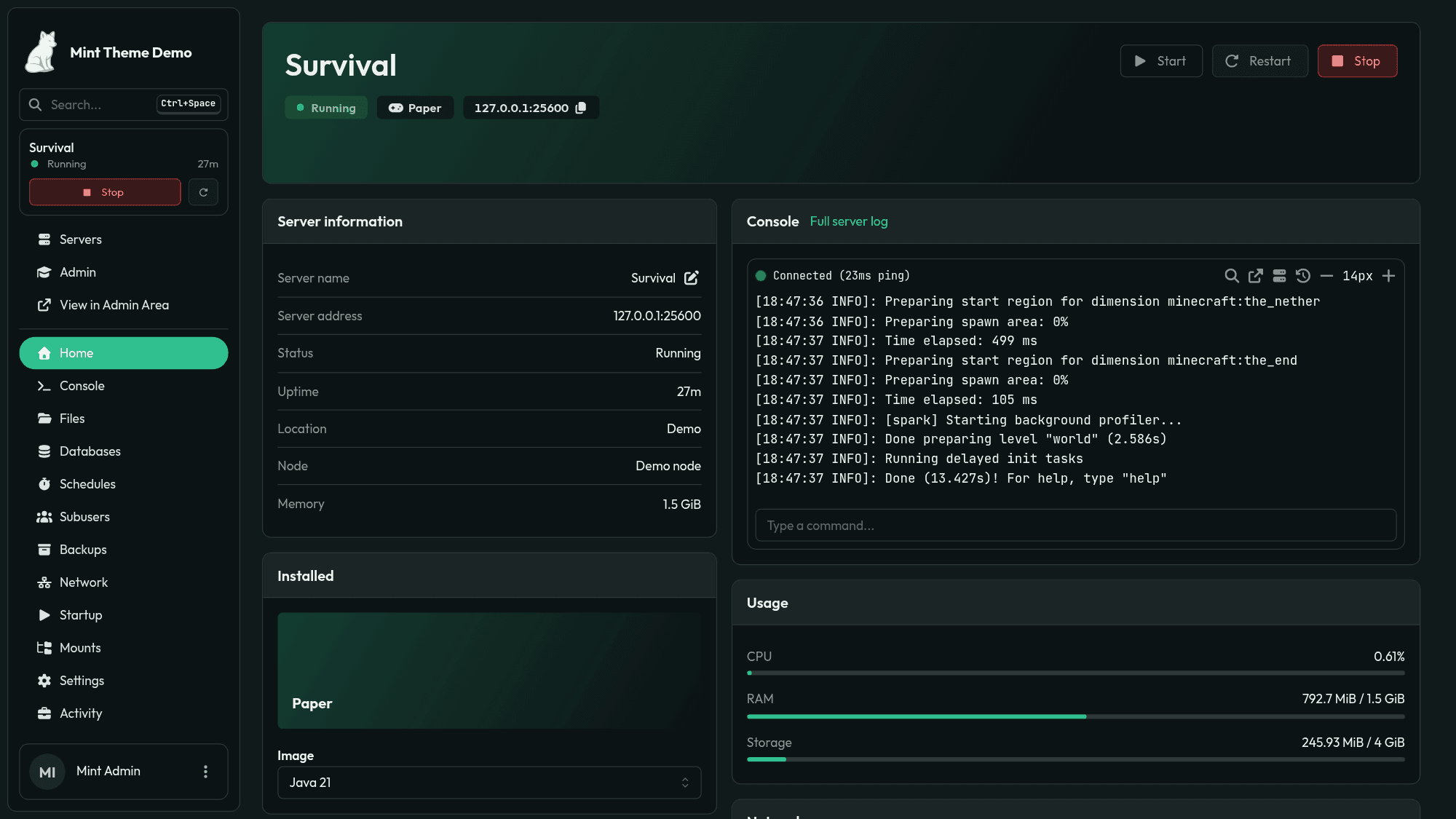
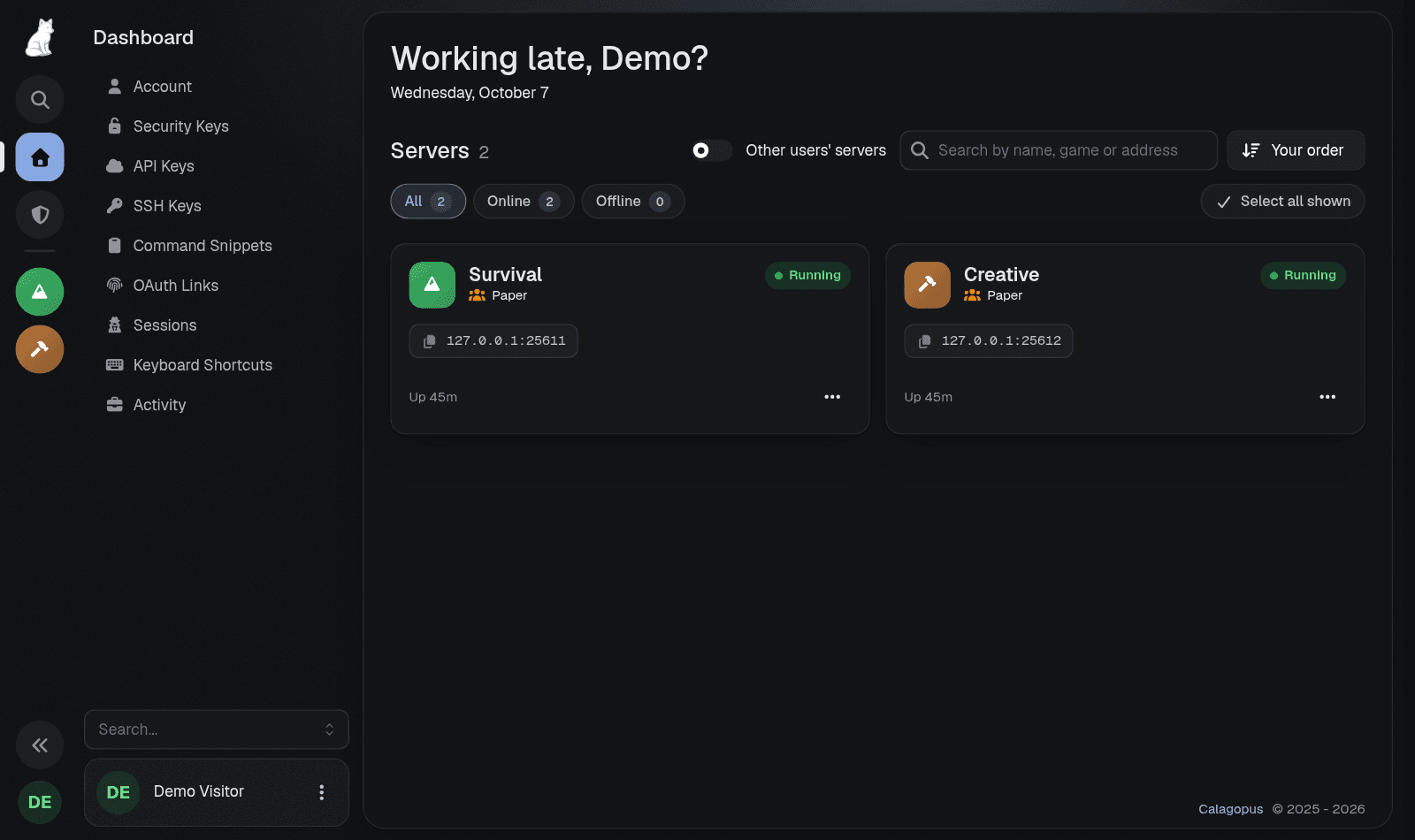
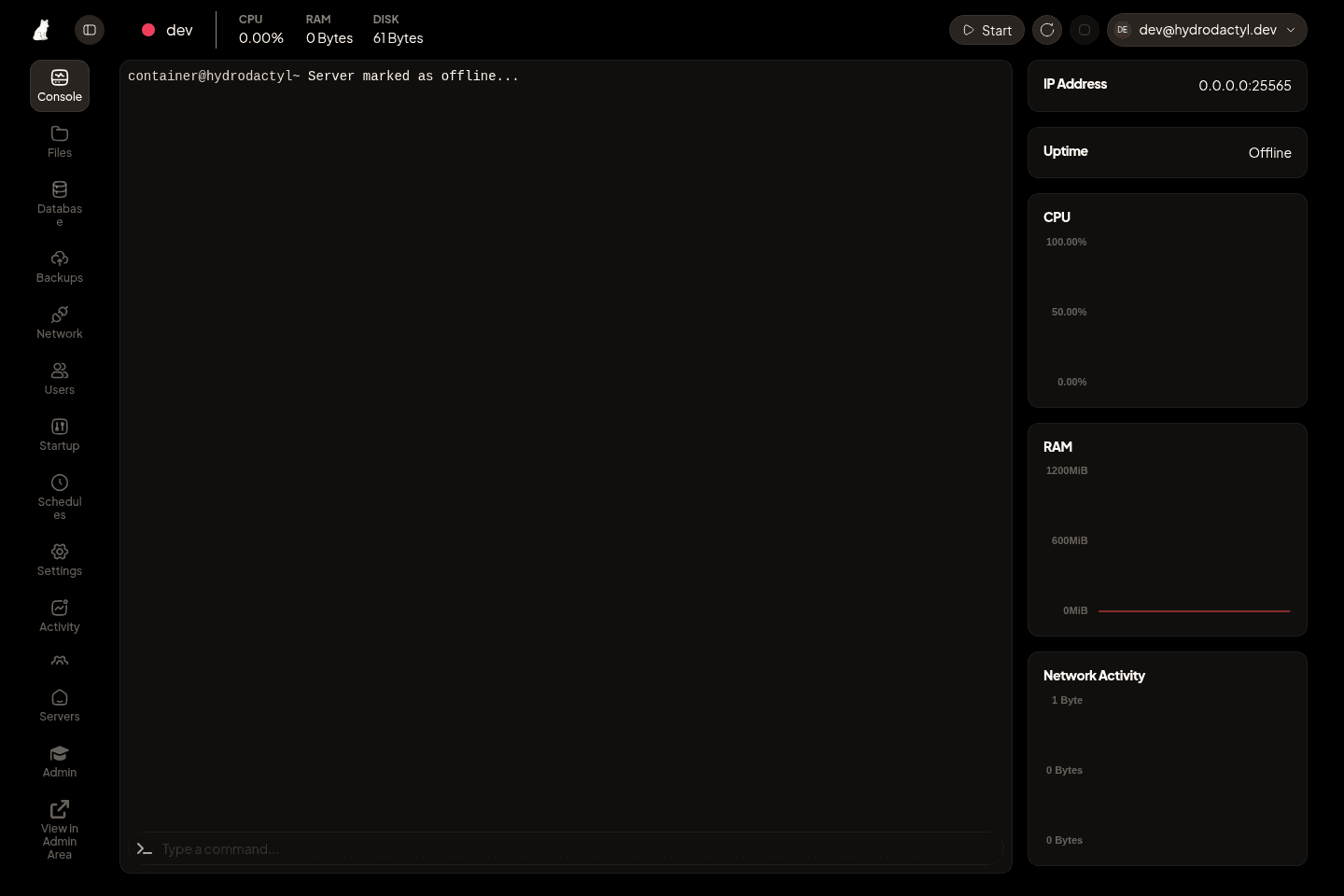
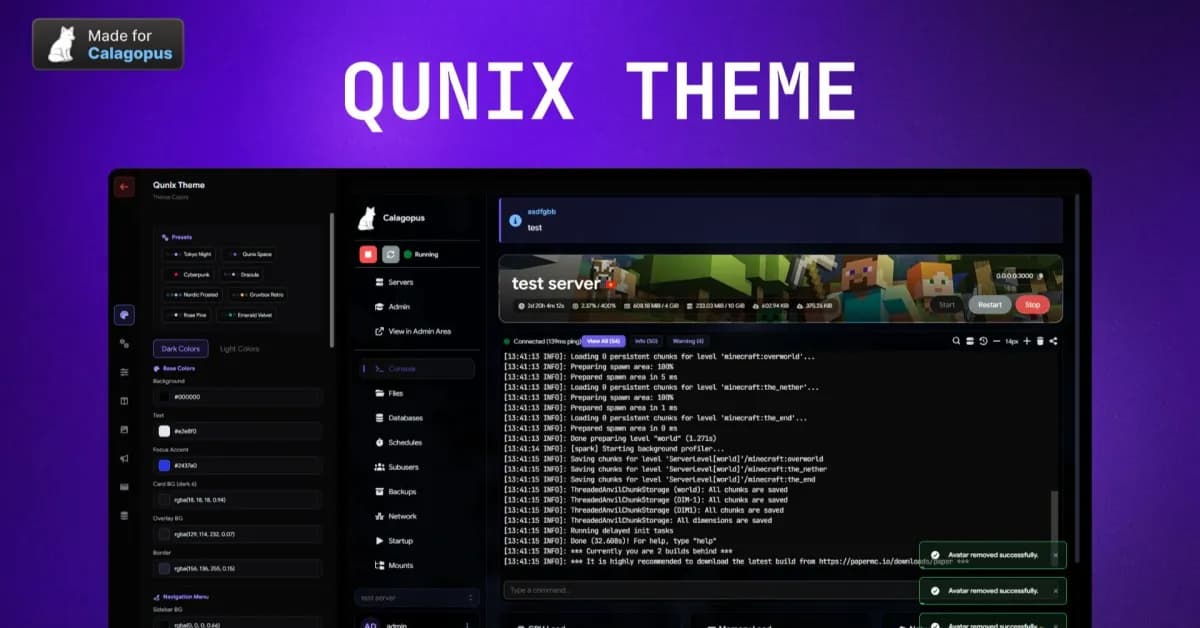
Recolor Tool for Calagopus Pick a single brand color and instantly generate a complete panel theme. Supports dark and light mode with adjustable brightness and color intensity, live preview, per-color overrides, and JSON import/export. Demo: https://demo.ir77.gg/ with username demo and password demo. Features • One Color, Full Theme - Pick any brand color and the entire panel palette is generated automatically using perceptually uniform color science (OKLCH) • Dark & Light Mode - Toggle between dark and light schemes with a single click • Brightness Slider - Fine-tune how dark or light your backgrounds are • Color Intensity Slider - Control how much brand tint bleeds into your backgrounds, from pure gray to vivid • Live Preview - See changes in real-time as you adjust colors, right on the editor page • Per-Color Overrides - Click any generated color to manually customize it. Overrides are clearly marked • Import / Export - Save your palette config as JSON and share it or back it up • Reset to Default - One-click reset with confirmation to go back to stock Calagopus • Server-Side Persistence - Saved theme applies to all users on the panel, not just you • No Core File Modifications - Pure extension, installs and uninstalls cleanly via .c7s.zip • Terminal Colors - Console/xterm colors adapt to your theme automatically What Gets Themed • Body, card, modal, dropdown, sidebar, and input backgrounds • Primary accent color across buttons, links, focus rings, and active states • Text colors (primary, secondary, dimmed, placeholder) with WCAG contrast validation • Status colors (running, offline, starting, warning) • Borders, scrollbars, glows, and shadows • Tab indicators, badges, switches, progress bars, pagination • Notification styling • Server status indicators • File manager header • Auth page background • Terminal/console colors Installation • Download the .c7s.zip from your purchase • Go to your Calagopus admin panel > Extensions • Upload the .c7s.zip file • Hit "Rebuild Extensions" and wait for it to finish • Navigate to Admin > Theme Editor and start customizing Requirements • Calagopus Panel v1.0.0 or higher
Recolor Tool for Calagopus
Secure checkout via BuiltByBit
Official BuiltByBit listing · secure checkout · direct access