ExtensionsFree
No ratings yet
Calagopus Panel extension for Caddy Docker Proxy domains and Cloudflare DNS
Calagopus Panel extension for Caddy Docker Proxy domains and Cloudflare DNS
Caddy > [!CAUTION] > This extension was written by AI. It is not recommended to run it in production. > > It has not been reviewed or audited by a person. It talks to Cloudflare, writes DNS records, and changes server container labels. A mistake can take a domain offline, leave stale records behind, or expose a server you did not mean to publish. Use it only on a panel you can afford to break. Calagopus Panel extension (dev.minerpl.caddyproxy) that publishes a server through caddy-docker-proxy. A server owner opens the Caddy tab and adds either a domain an admin allowed, or a custom domain they already control. The subdomain is optional: leave it empty to publish the allowed domain itself, or enter a name such as play to publish play.example.com. Allowed domains carry a public DNS record (an A address or a CNAME hostname). When Cloudflare is turned on for that domain, creating it writes the DNS record, and deleting the server deletes it. Every domain on the server is written as container labels. One domain, or several that share a port, uses: The number is the port the process listens on inside the container, which the user types in. Domains that need different ports use caddy0, caddy1, and a matching caddyN.reverseproxy. Labels that this extension does not own are left alone. Restart the server after a change so Wings recreates the container. Requires Calagopus Panel >=1.2.3. Install This directory is the extension. It is not a standalone app. On a Panel checkout, put it at backend-extensions/devminerplcaddyproxy (a symlink is enough) and apply it: On the :heavy image, download devminerplcaddyproxy.c7s.zip from the latest release. The download is that file itself. Upload it in Admin → Extensions, or copy it into ./build/extensions and restart. That archive is the extension source in the layout panel-rs extensions export writes. The panel compiles it on install. A push to main packs the archive and publishes it on the release for the version in Cargo.toml, replacing the file when that version already has a release. To pack the same archive locally: The file is written to dist/devminerplcaddyproxy.c7s.zip and is not committed. Make it work The extension only writes container labels and, when Cloudflare is enabled, DNS records. Traffic reaches the server only after caddy-docker-proxy is running on the node and can see those containers. Do this on every node that will host a published server. 1. Install caddy-docker-proxy from that repository. The container below is the usual way to run it. Publish 80 and 443, and mount the Docker socket so it can read labels. 2. Set CADDYINGRESSNETWORKS to calagopusnw. That is the Docker network Wings creates for server containers (docker.network.name in the Wings config; calagopusnw is the default). If that setting was renamed, use the name that is actually there, in both places below. 3. When Caddy itself runs in Docker, attach that container to calagopusnw as well. Wings already created the network, so mark it external. Do not let Compose create a second network with the same name. Start it with docker compose up -d from the directory that holds this file. If Caddy is already a container, add calagopusnw to its networks, set the same environment variable, and recreate the container. A one-off docker network connect calagopusnw joins the network until the container is recreated. Then, in the panel: 1. Finish Admin setup: allowed domains, a public record on every node, and Cloudflare if you want the DNS record created for you. 2. On the server, open Caddy, add the domain, and type the port the process listens on inside the container. 3. Restart that server. Wings recreates the container with the new labels, and caddy-docker-proxy picks them up. Open 80 and 443 through the host firewall to the Caddy container. The node's public record (the CNAME or A address from node points) must be what visitors resolve to, so those ports land on this Caddy. Updating Download devminerplcaddyproxy.c7s.zip from the latest release and replace that file in ./build/extensions, then rebuild. This is the same extension, so saved settings and existing domains stay. Do not add it as a second package, and do not leave two archives with that package name in the folder. This package replaces dev.dawid.caddy. Delete that older archive from ./build/extensions before adding this one. Two archives for different package names compile as two extensions, and a second archive of the same package fails the build as already installed. If the old extension already ran, its tables (devdawidcaddyroutes, devdawidcaddycleanup) are left behind; this package uses its own tables. The servers.caddydomains column is shared and is added only when it is missing. To rebuild the archive from a Panel checkout instead: Admin setup Open the extension configuration page. 1. Add each domain users may publish. They can use that domain as-is, or add a subdomain under it. 2. Under Node points, every node needs a public record. It starts as a CNAME to that node's own domain (its public URL, otherwise the panel URL). Change it to an A record and an IPv4 address when the node should be addressed directly. 3. Optional: enable Cloudflare, paste the zone id and an API token with Zone.DNS:Edit, then test it. Proxied (orange-cloud) defaults to off so visitors reach Caddy directly. 4. Custom domains are on by default. They only add labels. DNS stays with the user, and a name under an allowed domain has to be created from that allowed domain. 5. New servers start with a domain limit of 1. Change the default here, or set Caddy domains on a server (0 disables the tab's create button). A saved public record is copied onto each domain when it is created. Editing the record later does not rewrite DNS that already exists. Remove the domain and add it again to point it somewhere else. An allowed domain that still has names under it cannot be removed or renamed. What the server owner does On the server, open Caddy and add a domain. Pick an allowed domain. Leave the subdomain empty to use that domain itself, or enter a name such as play or mc.play. A custom domain is the full hostname. Enter the container port. The page shows the labels that will be applied. Restart the server once they look right. Deleting a domain here also deletes its Cloudflare record. Deleting the server does the same: the route rows go with the server, and each Cloudflare record is deleted. If Cloudflare is down, the token is stored encrypted and a background task retries the delete about once a minute, backing off between attempts. That task runs on the primary Panel instance. Checks cargo test in the extension crate needs the Panel workspace. The hostname and label rules are covered on their own: Inside a Panel checkout, the same tests run with the extension:
A Calagopus panel extension that allows users to manage Minecraft server players.
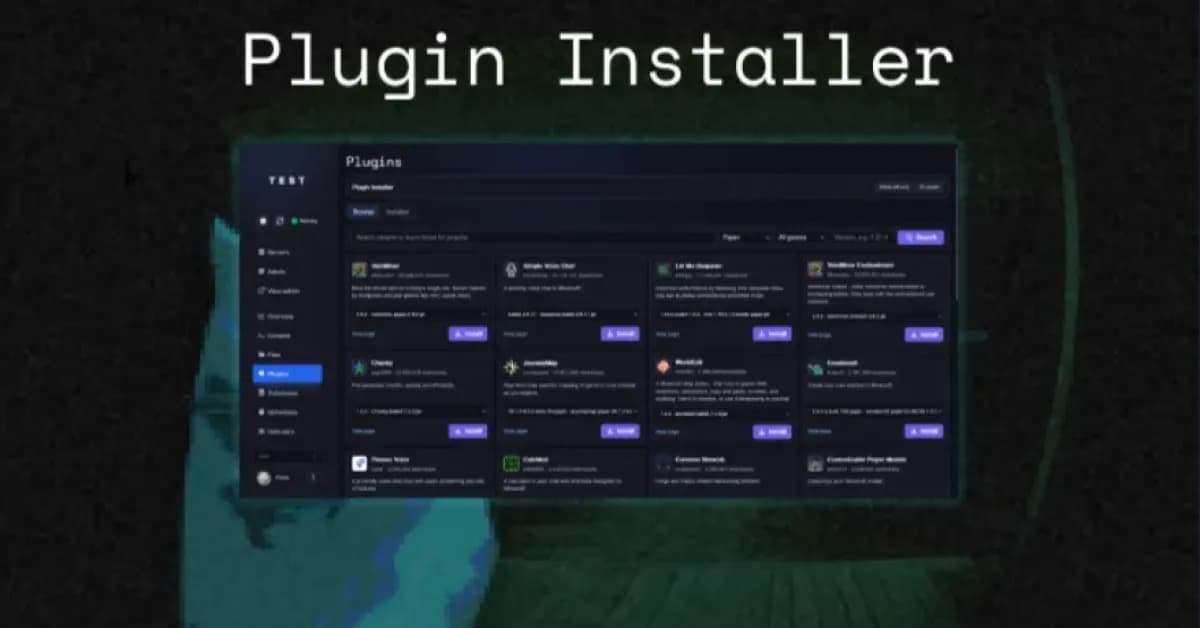
Calagopus Panel extension for installing Minecraft plugins, mods, and datapacks from Modrinth
Let the user easily change server properties from the UI
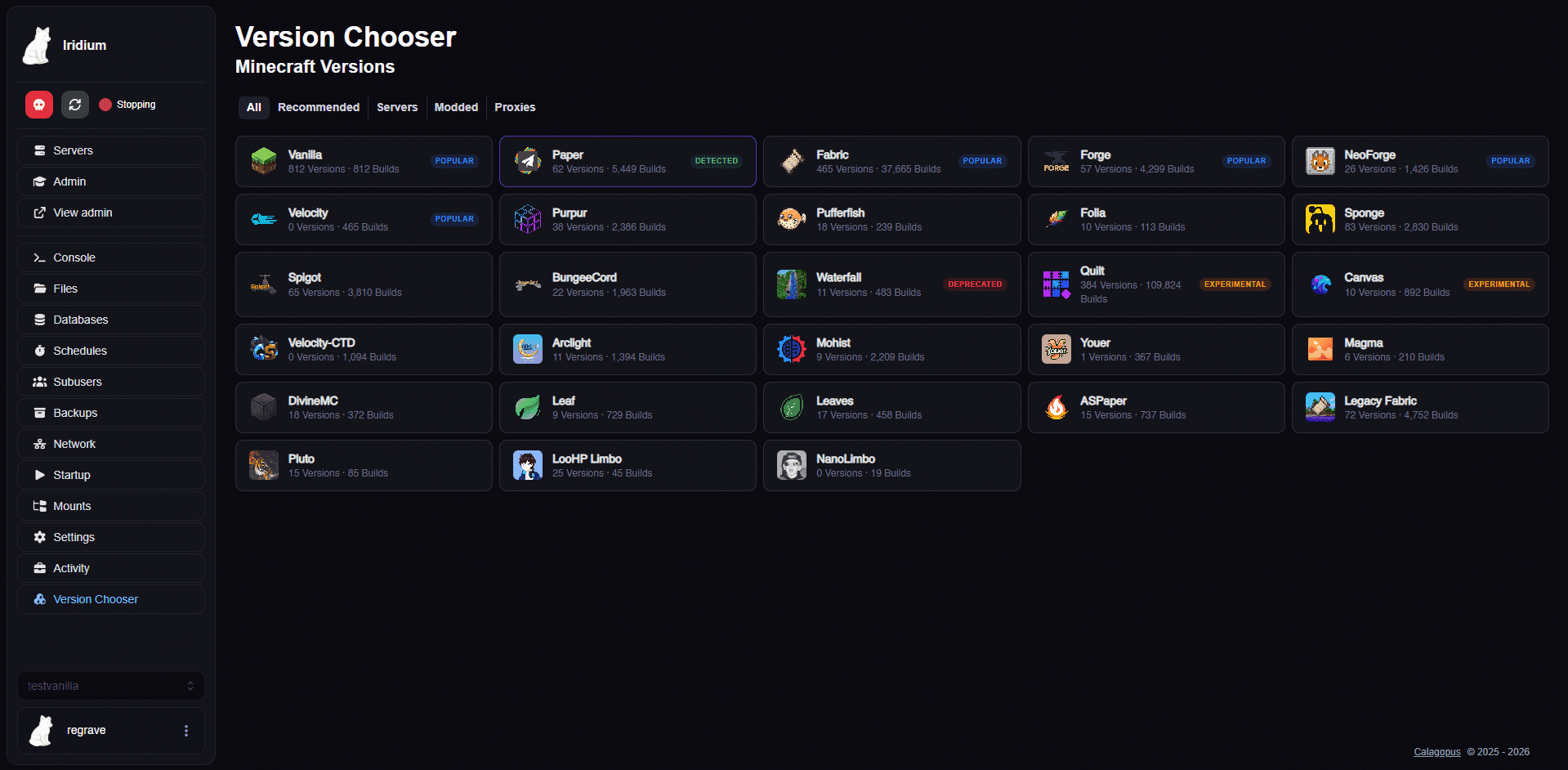
Calagopus Panel extension for switching Minecraft server versions with admin dashboard and install tracking
Calagopus extension: manage players of Minecraft Java and Bedrock servers (online players, whitelist, operators, bans).